Master the Yard: How to Play
San Quentin is complex. Follow this step-by-step guide to navigate the interface, adjust your bets, and survive the Lockdown Spins.
Understanding the Interface
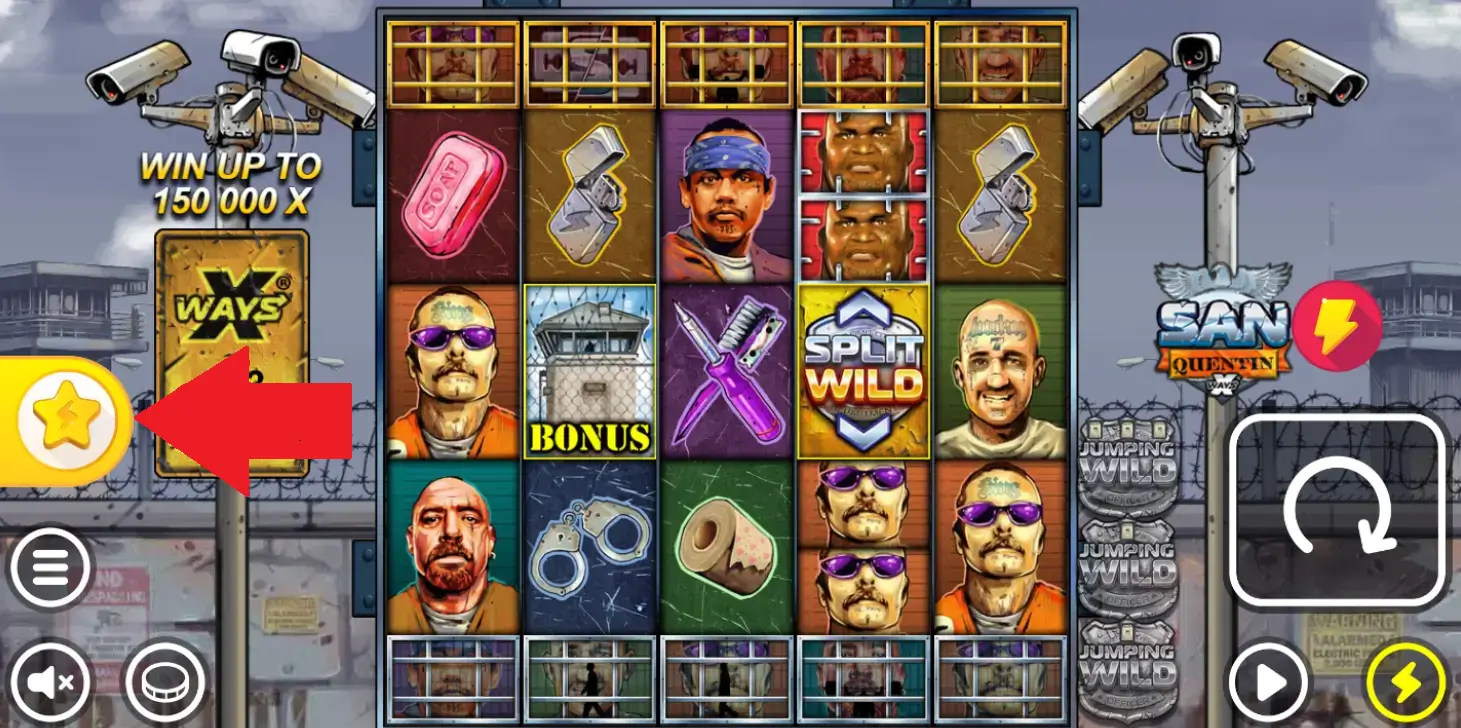
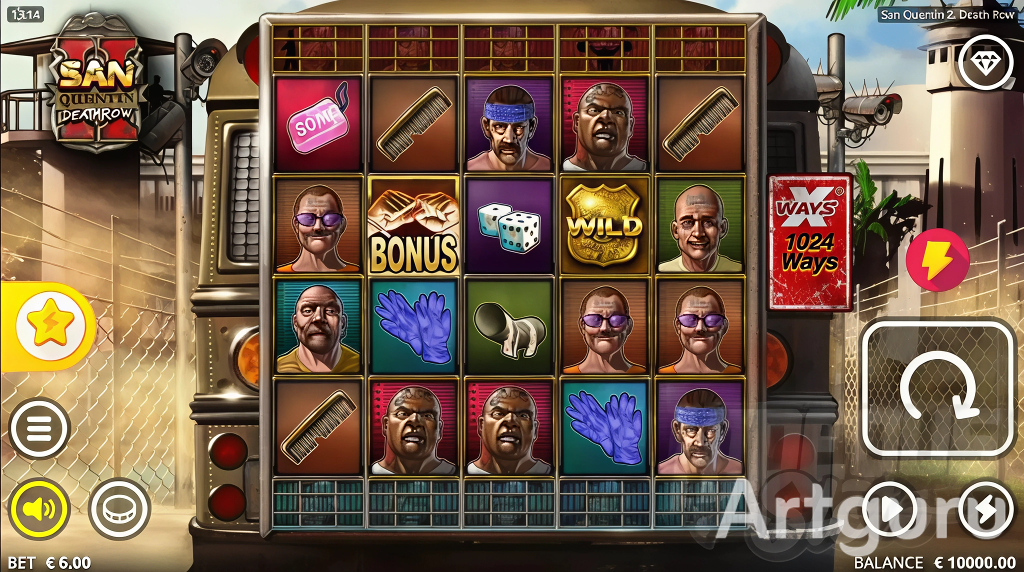
The game grid is a 5x3 layout surrounded by locked "Enhancer Cells" (top and bottom rows).
On the right side (desktop) or bottom (mobile), you will find the main controls:
- Spin Button: Large circular arrow.
- Autoplay: Smaller play icon, allows setting 10-1000 auto spins.
- Turbo Mode: Lightning bolt icon for faster gameplay.
- Sound: Speaker icon to mute the intense soundtrack.
Setting Your Bet
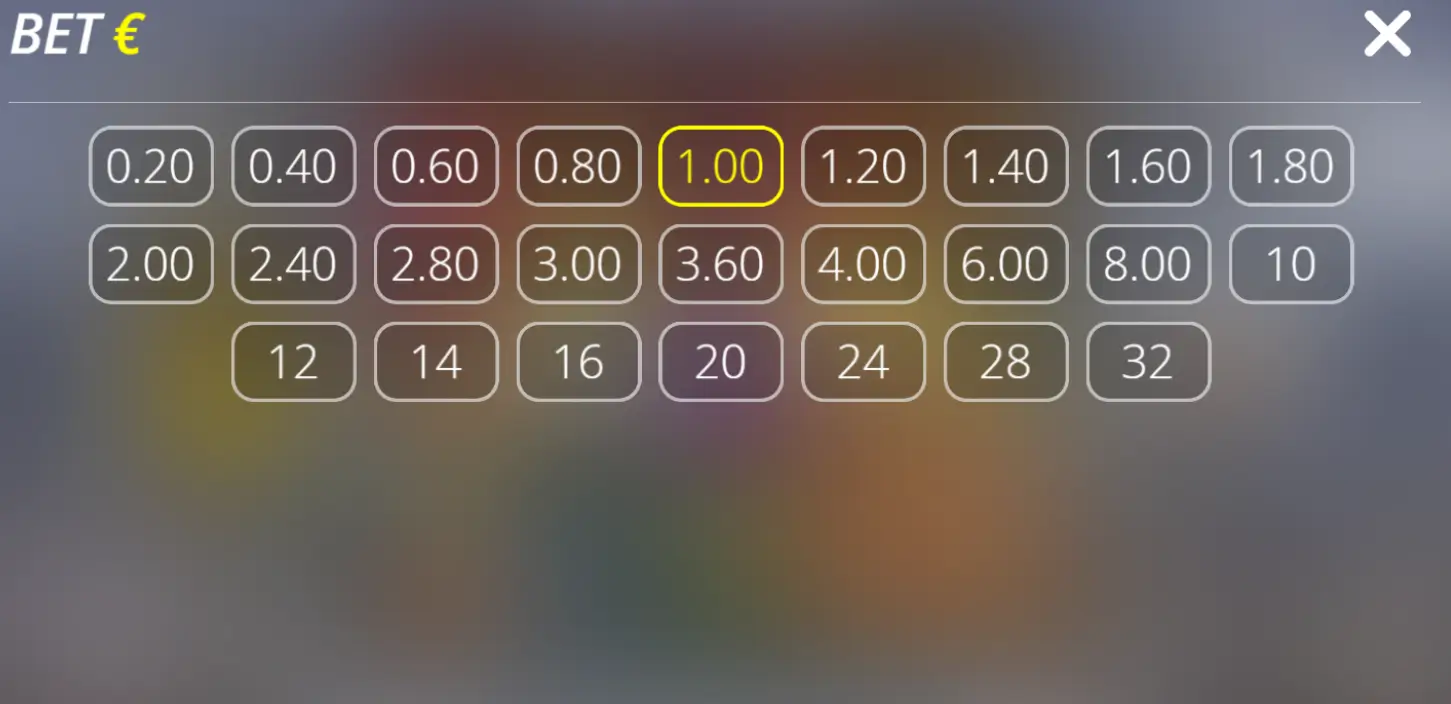
Before spinning, adjust your stake. Click the Dollar Sign ($) or Coin icon.
Bets typically range from $0.20 to $32.00 per spin (depending on the casino). Tip: Due to extreme volatility, we recommend starting with a lower stake than usual to manage your bankroll.
Enhancer Cells & xWays
The core mechanic involves the locked cells above and below the reels. These open randomly when triggered by Bonus symbols or xWays activators.
When opened, they can reveal:
- High Paying Inmate Symbols
- Wilds: Standard substitutes.
- Razor Split: Splits all symbols on that reel (doubling ways).
- xWays: Stacks the same symbol 4 high.

Triggering Bonus (Lockdown Spins)
Land 3, 4, or 5 Bonus Symbols (Guard Towers) to trigger Lockdown Spins.
Bonus Buy (Yellow Star): On the left side, you can purchase the bonus directly.
- 100x Stake: 3 Bonus Symbols (Standard)
- 400x Stake: 4 Bonus Symbols
- 2,000x Stake: 5 Bonus Symbols (Max Potential)